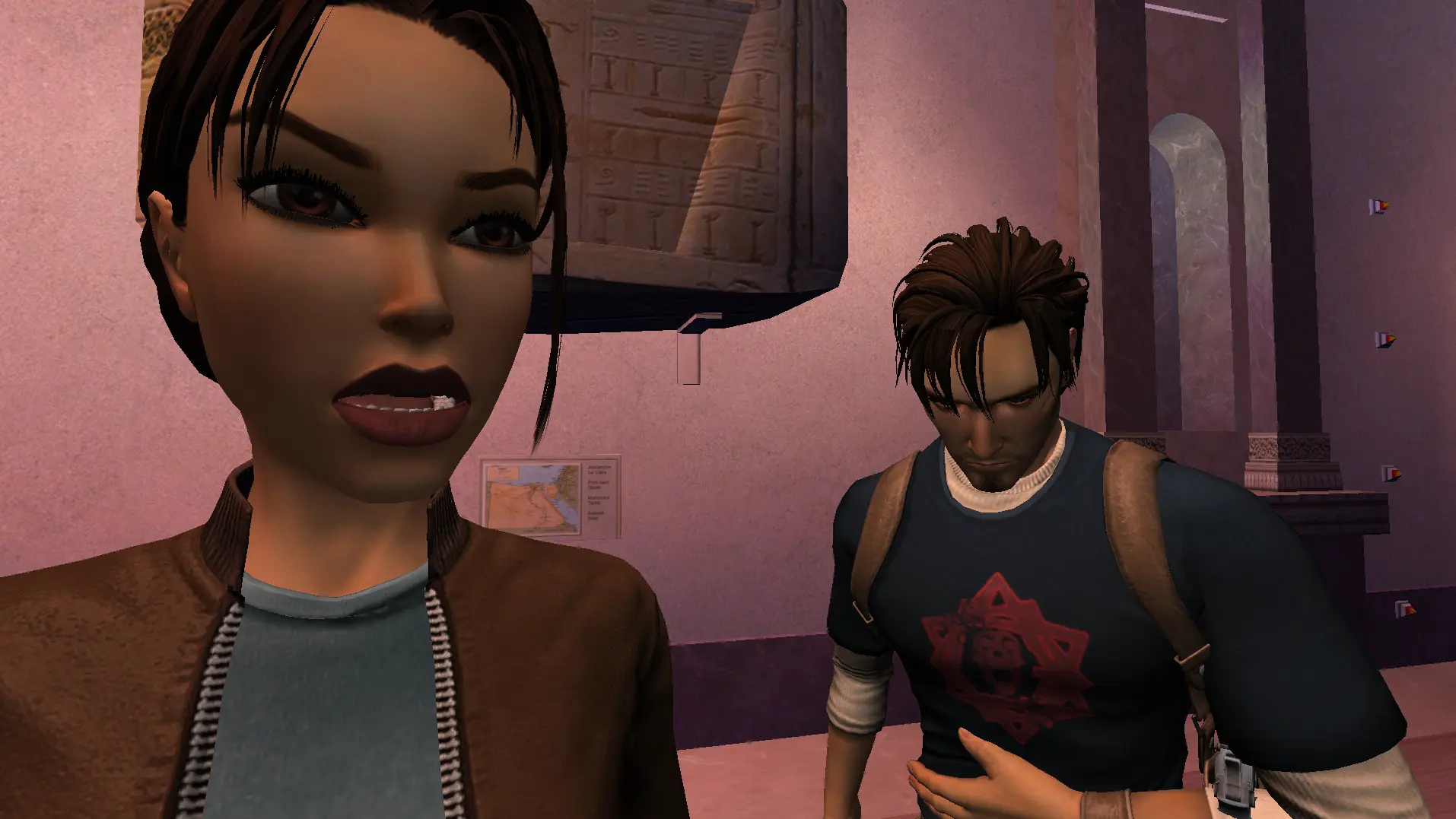
Angel of Darkness multiplayer is in, and there's a Character Swapper with it so you can play as Kurtis in any level.
What's New in v2.5.0
New Features
- Added TRR 6: Angel of Darkness multiplayer
- Added TRR 6: AoD Character Swapper (play as Kurtis in any level)
- Added logs file storage
Angel of Darkness Multiplayer
First release for AoD multiplayer, so expect a few bugs. Shout if you hit one and we'll get it sorted.
Notes
- Needs at least 1.6GB free disk space to install the AoD Multiplayer Maps.
- TRR 6 Multiplayer only works on the latest patch until we know it's stable (Patch 2 Hotfix 1, latest).
- You can only launch the mod from the main menu.
- Multiplayer loads its own custom maps, so it doesn't interfere with your installed game files.
- Switching character while holding a weapon causes a small glitch, re-equip a weapon from the inventory after swapping back.
- Kurtis doesn't have all interaction animations yet, that's coming in a future update.
Upcoming: Angel of Darkness Animations Importer Tool
I've also put together a CAL → FBX and FBX → CAL conversion tool, so we can pull AoD character animation files (CAL) out of the unpacked GMX into FBX, then convert the FBX back into a CAL the game accepts. That lets us edit existing animations, add new ones for characters, and make Kurtis work much better in multiplayer.
That one's coming separately in the next few weeks, Discord has more info.
Maps Credit
Big thanks to DarkLegendAOD for helping put the custom maps together for multiplayer, they're what makes playing as Kurtis anywhere work.
Setup
The download's an installable app, so run the setup exe only once per update.
To play the mods, open the "Burn's Mods" application that gets installed to Windows, there's a shortcut on your desktop after installing.
Join us on Discord
Join the discord and get stuck into the discussions, the development, and a community of Tomb Raiders.