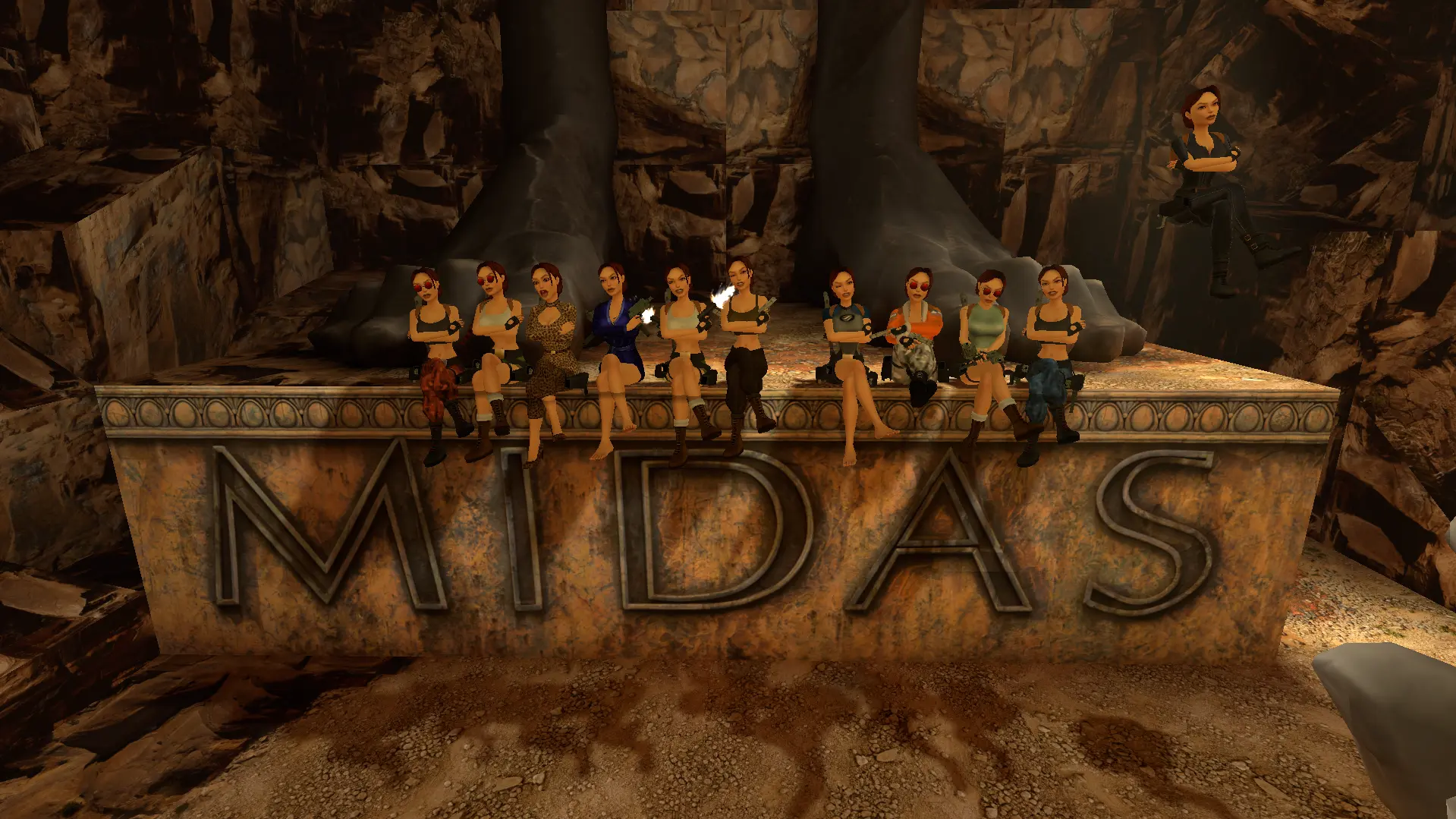
The Burns Multiplayer Mod drops other players into your copy of Tomb Raider I-VI Remastered, so you can run the classic levels alongside your friends, chat in real-time, teleport to whoever's wandered off, shoot each other in PvP, and flick on extras like Super Jump and infinite health.
1. Download the Mod
- Head to the Downloads page and grab the latest version of the “Tomb Raider Remastered I-VI Multiplayer & Mods Launcher.”
- It's one package, so that launcher has Multiplayer and the Super Lara Mod both in it.
2. Install It
- Run the setup
.exeonce and it installs the app, with a shortcut on your desktop. - Open the "Burn's Mods" app from that shortcut, and you only run setup again when there's a new version out.
- The launcher UI comes up, and that's where you pick which mods and features to turn on before the game starts.
3. Set Up Multiplayer
- In the launcher, enter a “lobby code.”
- Playing with friends? Agree on a unique lobby code and all type in the same one, and you'll all land in the same lobby.
- Leave the code blank and you're in a public lobby.
- Pick which features to turn on (Super Jump, Infinite Health, whatever you fancy).
- Click “Launch Mod” to apply your selections and start Tomb Raider Remastered.
4. In-Game Features & Controls
Once you're in-game, here's what you've got:
| Feature | Default Hotkey | Description |
|---|---|---|
| Multiplayer Menu | F2 | Cycle through multiplayer options (chat, teleport, PvP, level skip, etc.) |
| Confirm Selection | F4 | Confirm the selected multiplayer menu option. |
| Photo Mode | (In game) | Pose and take group screenshots; adjust Lara’s pitch with numpad +/- keys. |
| Super Jump | (Launcher) | Jump higher than usual (toggle in launcher). |
| Infinite Health/Oxygen | (Launcher) | Toggle invincibility and unlimited breath underwater. |
| Disable Fall Damage | (Launcher) | Prevents death from falling. |
| Speed Up | (Launcher) | Increases game and animation speed. |
| Fly Mode (Swim in Air) | (Launcher) | Allows Lara to “swim” through the air. |
- Most of the enhancements toggle on and off in the launcher before you start the game.
- It works with both classic and remastered graphics modes.
5. What Multiplayer Is Actually Like
- You and your friends are in the same level, and with v3 co-op it's the same run: enemies, pickups, doors and switches are shared, so you can split a level between you, race it, or just hang about.
- The multiplayer menu (F2) gets you text chat, teleport, PvP, and more.
- Text chat (F8) is there for talking and coordinating.
- Teleport to each other if you get separated.
- Pose together in Photo Mode for group screenshots.
- PvP mode is there if you'd rather shoot your friends than help them.
- It's also a decent way to pick up speedrun tricks.
6. Troubleshooting & Support
- Something's not working? Join the Burn's Mods Discord and ask.
- Your game needs to be on the latest patch, and the Downloads page lists exactly which one.
- For missing features or bugs, check the changelog or the community forums for updates and fixes.
7. Supporting the Mod
- The mod's free, and it takes a rebuild every time the game's patched, so if you're getting some hours out of it, consider chipping in on Ko-fi to keep the updates and the servers coming.
Summary Table: Key Steps
| Step | Action |
|---|---|
| Download | Grab the launcher from the Downloads page |
| Install | Run the setup executable to install, then open the Burn's Mods app |
| Configure | Pick your mods/features, enter a lobby code, launch the game |
| Play | Join a level, use the hotkeys/features, get on with it |
| Support | Donate if you want to help with server costs |
For the latest updates, always check the official site and the Discord.